Beginner Strategy That Actually Works in 2025
This post may contain affiliate links, which means I may earn a small commission (at no cost to you!) if you make a purchase. I only promote brands that I’ve used and loved myself, and I think can really benefit you too!

If you’re putting time into your blog, website, or small business but feel like no one’s even seeing your content… you’re not alone. And here’s a not-so-secret tool that’s still driving major results in 2025:
Pinterest. Yes, still! Yes, even for beginners. And yes, even if (especially if) you’re a one-woman show.
Pinterest isn’t just a place for recipes and DIYs! It’s a powerful search engine, and when used the right way..it can drive thousands of clicks to your website consistently.
I’ve personally used Pinterest to grow my brand visibility, increase traffic to my blog posts, and even generate affiliate income. And the best part? It doesn’t require dancing on Reels or spending hours online.
Ready to learn how to use Pinterest to drive real traffic to your website..without paying for ads or spending all day creating content? Let’s go.
Why Pinterest Still Works in 2025
Pinterest is a visual search engine, not a social media platform. That’s what makes it different..and honestly, way better for website growth.
When you post a pin with the right title, description and link..you’re essentially placing a piece of evergreen content into a search engine. People might find that pin a week, a month, or even years later.
Unlike Instagram posts that disappear after a few days, Pinterest pins keep working for you long after you hit publish.
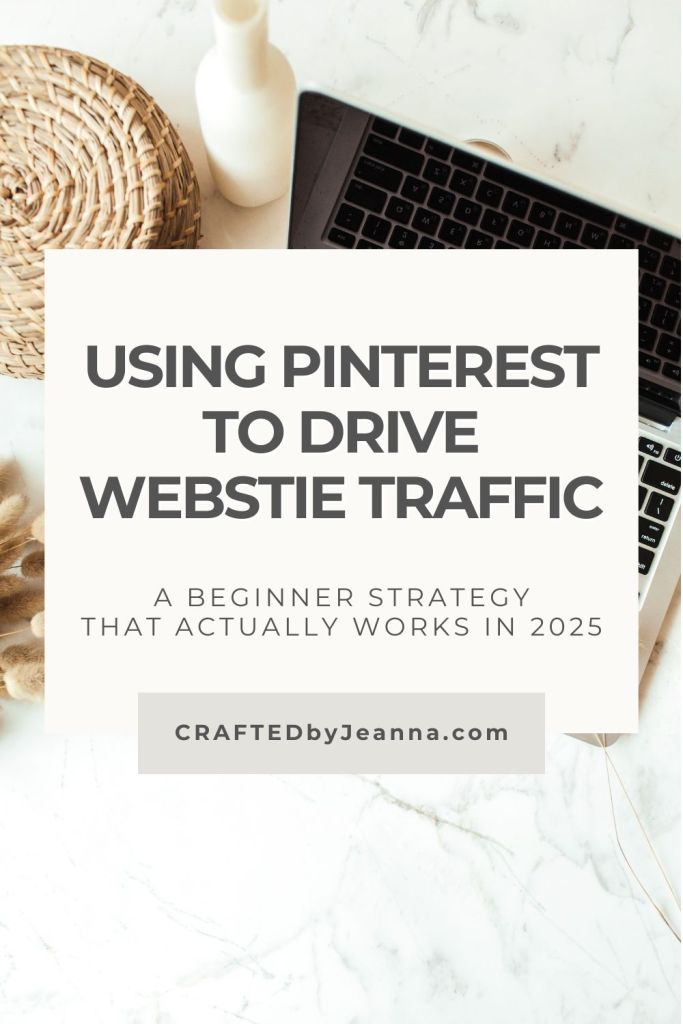
How to Use Pinterest to Drive Website Traffic
(Beginner Strategy)
So here’s a beginner-friendly, step-by-step strategy you can follow right now to start seeing real results!
1. Start With a Pinterest Business Account
If you haven’t already, convert to or create a Pinterest Business account. This gives you access to analytics, pin scheduling, and rich pins.
Pro Tip: Claim your website through Pinterest so your brand gets attributed for all your content and clicks!
2. Set Up SEO-Friendly Boards
Pinterest SEO is real, and you should treat it like you would Google.
- Create 5–10 boards related to your niche (branding tips, small business resources, mompreneur life, etc.)
- Use keywords in your board names and descriptions (e.g., Branding Tips for Small Business, Start a One-Woman Business, Pinterest Marketing for Beginners)
- Don’t get too cutesy here, be clear and searchable
3. Design Click-Worthy Pin Graphics
You don’t need to be a designer to create great pins (hi, Canva!). But you do need them to be:
- Vertical (1000×1500 px)
- Clear headline with readable fonts
- Branded with your colors + logo (if possible)
- Eye-catching but not cluttered
Need a shortcut? My Branding Kits include Canva pin templates that make this step sooo much faster.
4. Write Strong, SEO-Focused Pin Titles & Descriptions
Pinterest is a search engine. So don’t just wing your descriptions—think like your ideal reader. What would she type in the search bar?
For example:
- “How to get traffic to your blog in 2025”
- “Pinterest marketing strategy for small business”
- “Beginner guide to using Pinterest for website traffic”
Use long-tail keywords and speak directly to your ideal audience. Add only 3–5 relevant hashtags at the end of your description. That’s it! Don’t spam your description with hashtags as many are saying this actually hurts your Pinterest performance now.
5. Link Every Pin to a Valuable Destination
This is KEY. Each pin should link to something valuable:
- A blog post
- Your freebie or email list opt-in
- A product page
- A services page
Don’t link to your homepage unless it’s intentional. Always be specific!
6. Post Consistently (But Don’t Burn Out)
The Pinterest algorithm loves consistency, but that doesn’t mean you have to post 20 times a day.
Start with:
- 1–3 pins/day
- Use a scheduler like Tailwind or Pinterest’s built-in scheduling tool
- Repin old content with fresh pin graphics
This keeps your content circulating without overwhelming your schedule.
7. Create Fresh Pins for the Same Content
One blog post = multiple pins. Switch up:
- The graphic design
- The headline
- The description
Pinterest rewards “fresh content” — and that includes new graphics for old links.
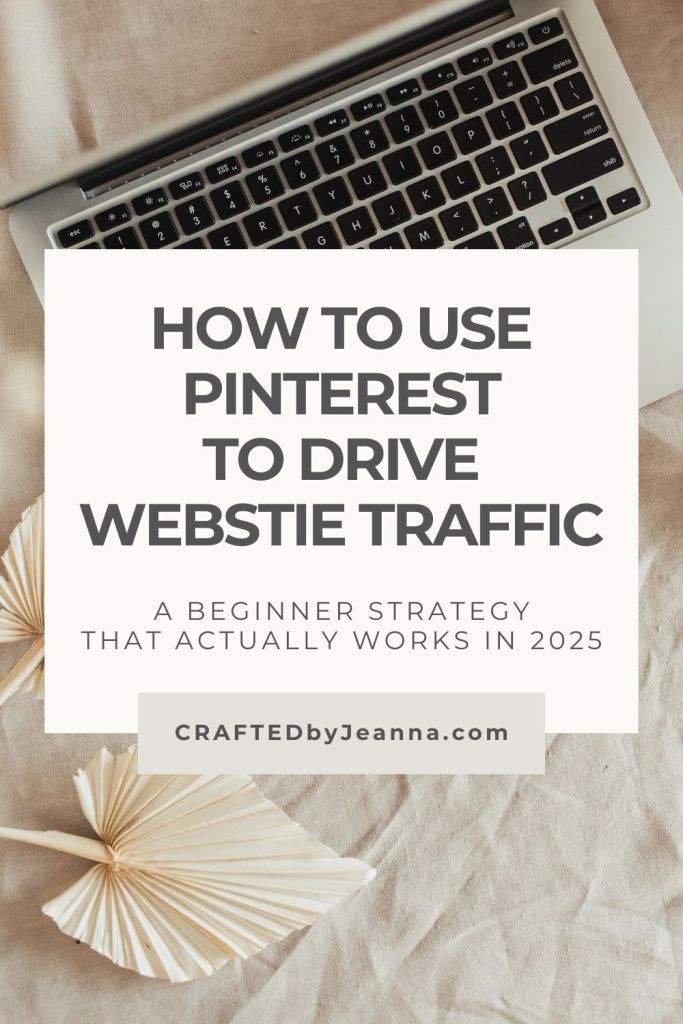
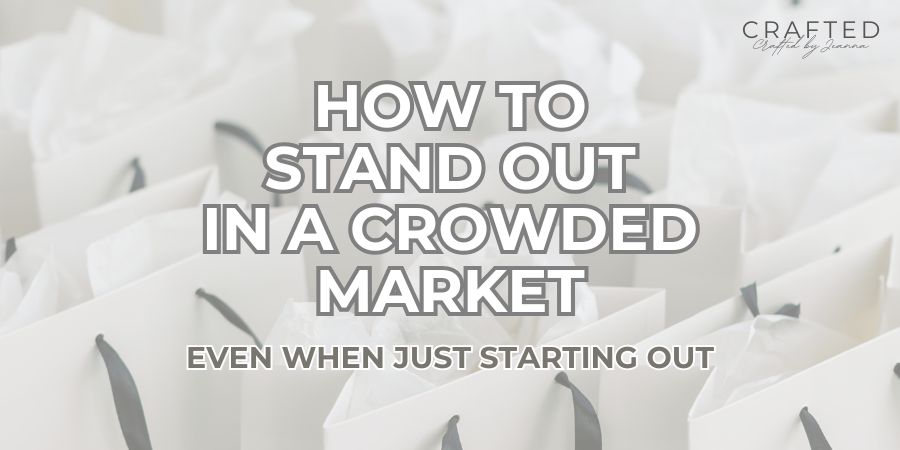
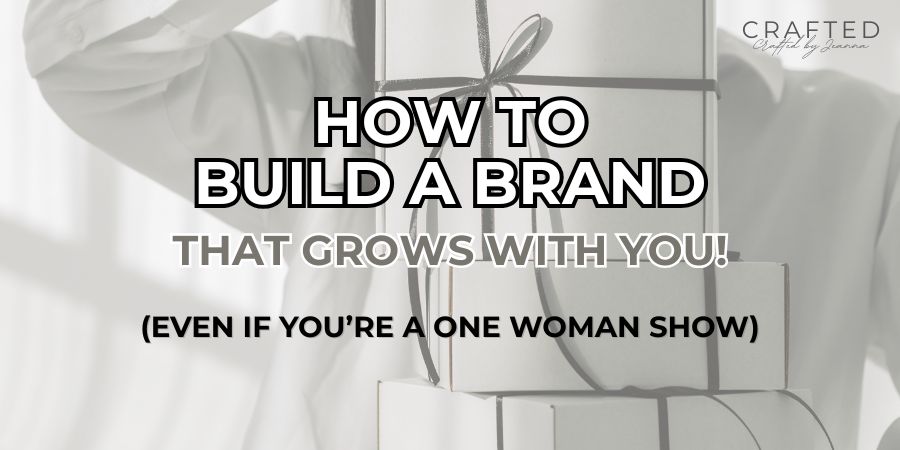
EXAMPLE: Below is a slightly different rendition of my above image. Different words and images speak to different people, so play around with it! For this same post, I’ve also created bold text-only pins, and ones incorporating my signature cursive font.
8. Track What’s Working (And stick to that)
Pinterest Analytics help you identify:
- Which pins are getting clicks
- Which boards are performing
- What types of designs are resonating
Use that data! Create more of what’s working and stop wasting time on what’s not.
How I Use Pinterest to Drive Website Traffic
(as a Busy Mom + Business Owner)
Here’s a peek at my process:
- I write helpful, SEO-focused blog posts (like this one 😉)
- I design 3–5 branded pin graphics for each post
- I post them over 1–2 weeks, linking to the same post with different visuals
- I use keywords in every description
- I track top performers and repeat whatever works
All of this helps me bring consistent traffic to my blog, increase email signups, and make passive income through affiliate links.
📌 Save This Pinterest Strategy for Later!
You don’t need to go viral to make Pinterest work for you. You just need the right strategy, consistency, and content that truly helps people.
And now? You’ve got all three! So grab your Canva templates, start pinning with purpose, and get that traffic flowing to your site, even as a total beginner.
Let’s Recap:
Beginner Pinterest Strategy That Works in 2025
✅ Create a business account
✅ Use keyword-rich board names + pin descriptions
✅ Design vertical, on-brand pins
✅ Link to helpful, high-converting content
✅ Pin consistently with a simple strategy
💌 Want More Tips Like This?
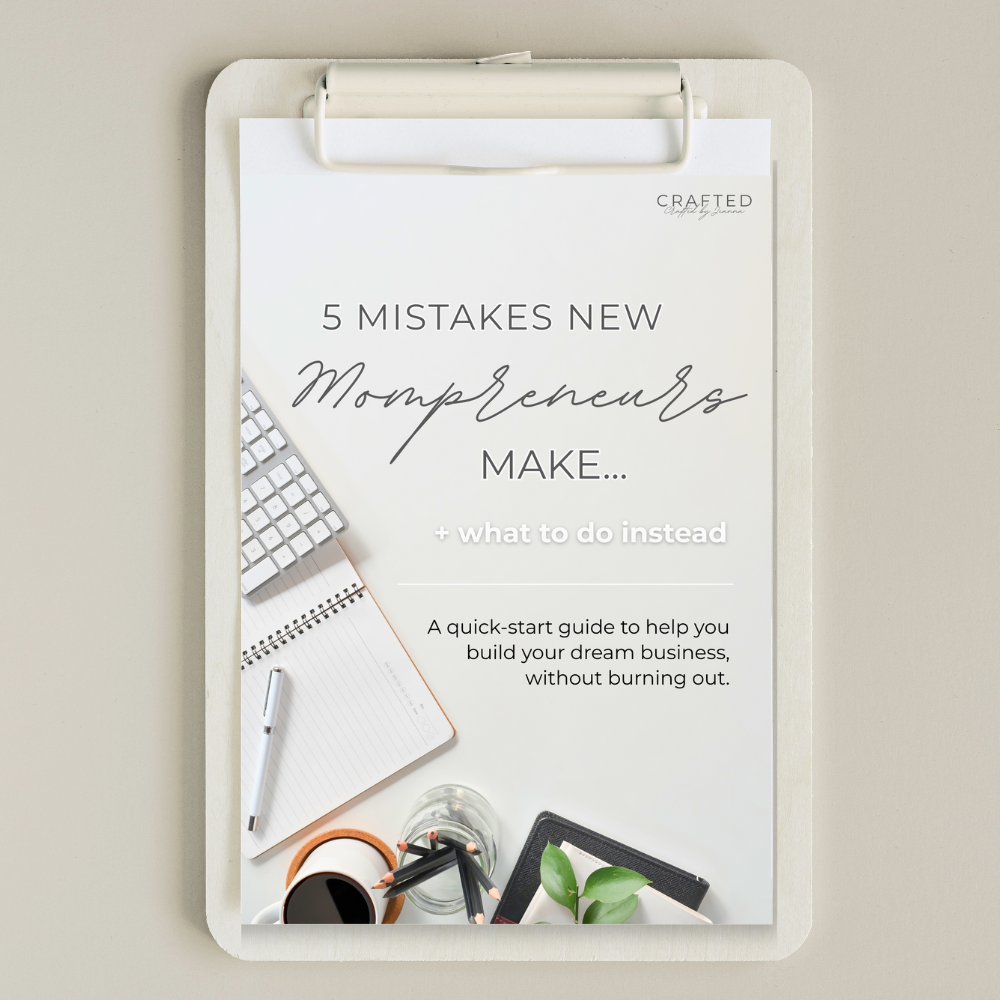
Get my free guide → “5 Mistakes New Mompreneurs Make + What to Do Instead.”
You’ll learn the most common early business mistakes (and how to skip them). Perfect for new bloggers, Etsy shop owners, and new service-based entrepreneurs.
→ Sign up here to grab it now!
You’ve got this, and I’ve got your back.
Need help with branding your pins and posts? Check out my affordable branding kits or reach out below for a custom design quote. Let’s make your brand unforgettable.


 CRAFTEDbyJeanna
Leave a comment